Is there a way to massively export students connected to a company?
→ Download this guide in PDF format
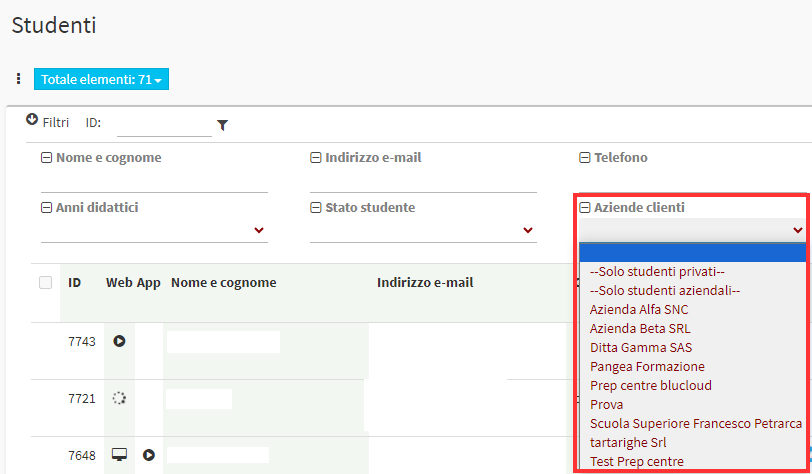
To massively export students linked to a company you will have to go to Master Data→ Students and filter the students by the client company for which we want to export:
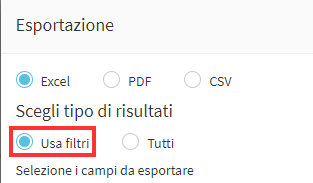
Once filtered you will need to export by selecting the Use filters option, this will only export students related to the selected company