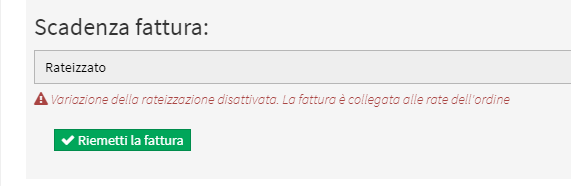
Add or change VAT rate from invoice issued
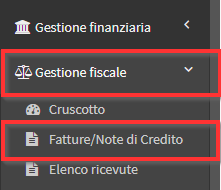
To change the vat on an issued invoice, navigate to Tax Management → Invoices / Credit Notes:
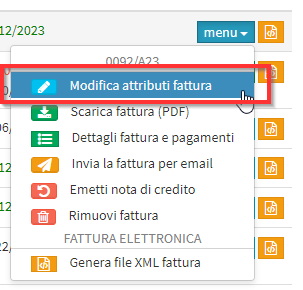
Click on Menu and on the option Edit Invoice Attributes on the specific invoice line:
Then click the blue Edit icon On the first line:
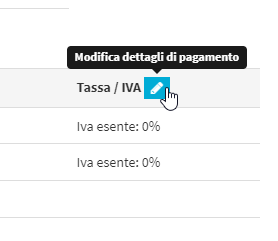
Now the system will make all the parameters of the Invoice editable:
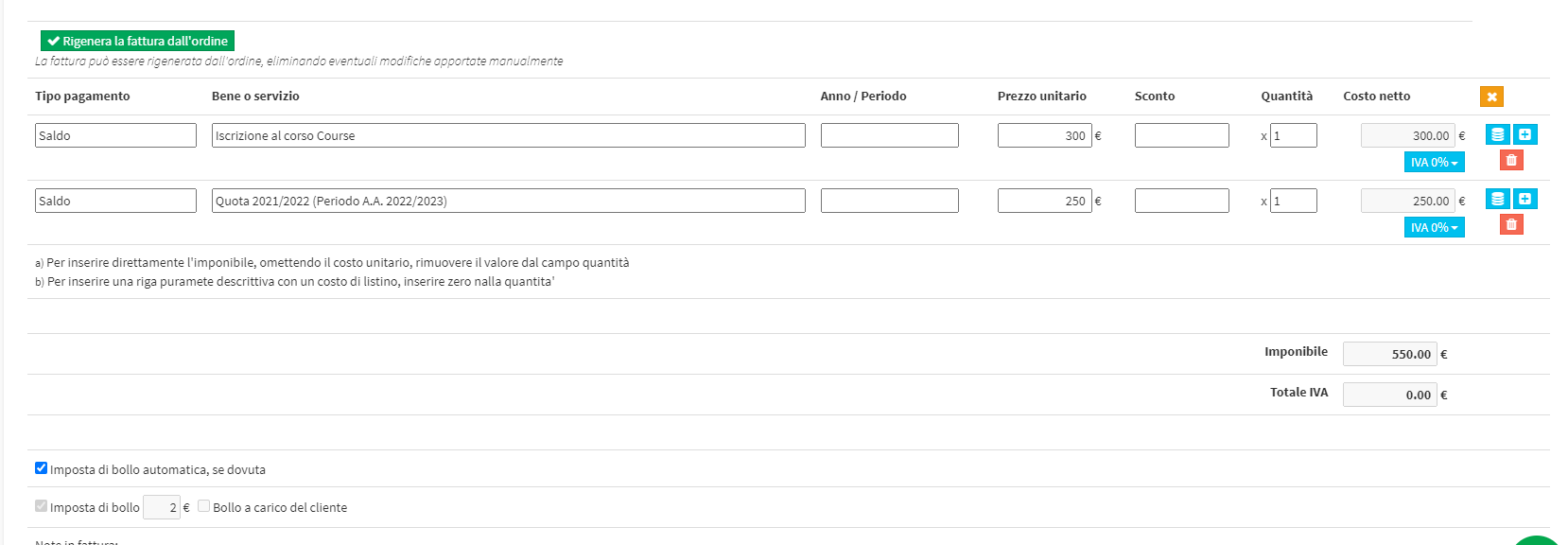
Now click on the blue Vat button and select the vat you want to use:
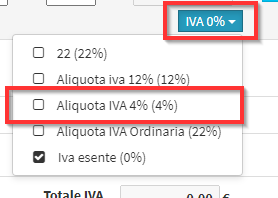
NOTE: If the vat rate of interest is not present create a new one by following this guide.
When you have finished the changes click the Reissue Invoice at the bottom of the page: