Default nationality for new master records.
→ Download this guide in PDF format
ScuolaSemplice allows you to define the nationality assigned to new entries.
For proper configuration, it is important to navigate to Administration → General Settings and make the appropriate changes.
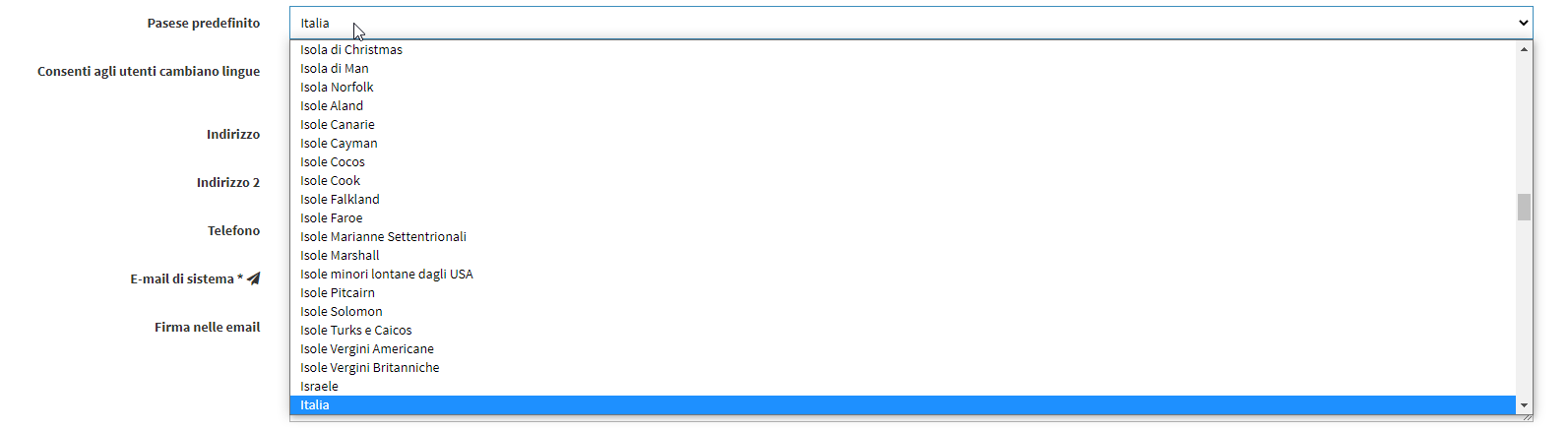
As you will see, among the first entries will be the one inherent in nationality. You will simply choose a new country by scrolling through the available ones in the drop-down menu.
Enjoy your navigation!