Manual sorting of classrooms
→ Download this guide in PDF format
Classrooms in a location may be ordered differently from the original placement given by the system.
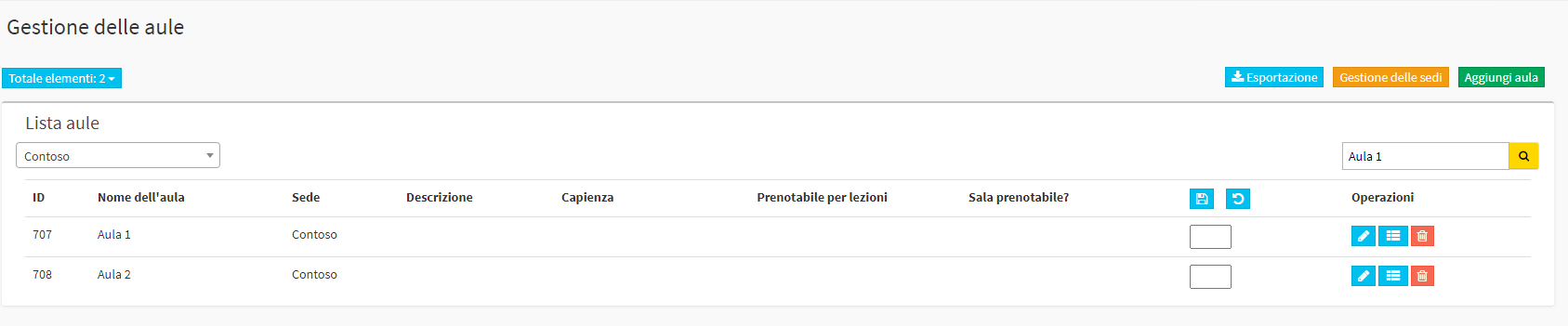
Navigating to Master Data → Classrooms, manual sorting can be selected.
If multiple locations have been specified, it will first be appropriate to filter by individual location and then go to click on the edit icon:

At this point, after clicking on the blue edit icon, a box will appear in which to go to indicate the correct numbering.