Enabling the Parent/Guardian field in the online course registration form
In Online Forms, in many cases, it is necessary to enable the field for the enrollment of a minor Learner through Parent/Guardian.
To do so requires the entry of a appropriate field in the Online Form.
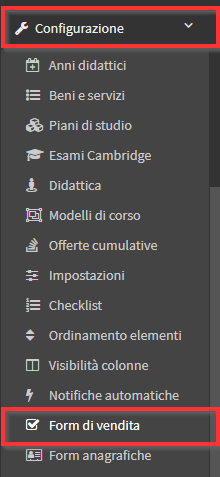
To enter it, navigate to Configuration → Online Form:
Then enter Edit of the desired Form:
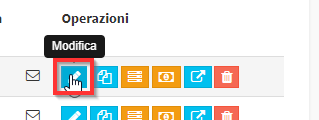
Scroll down to thePreview Form and click on the orange button Edit:

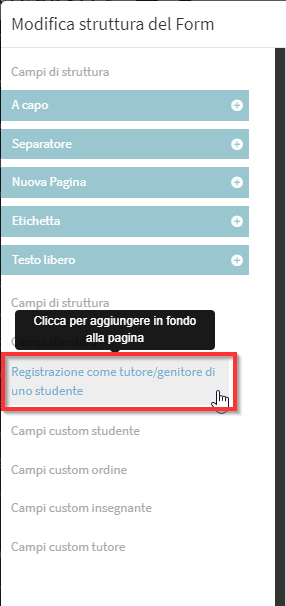
On the screen that opens, look in the left pane for the field "Registration as Guardian/Guardian of a Student" and select it:
The field will appear on the right preview, in the center column Move it to the desired position:
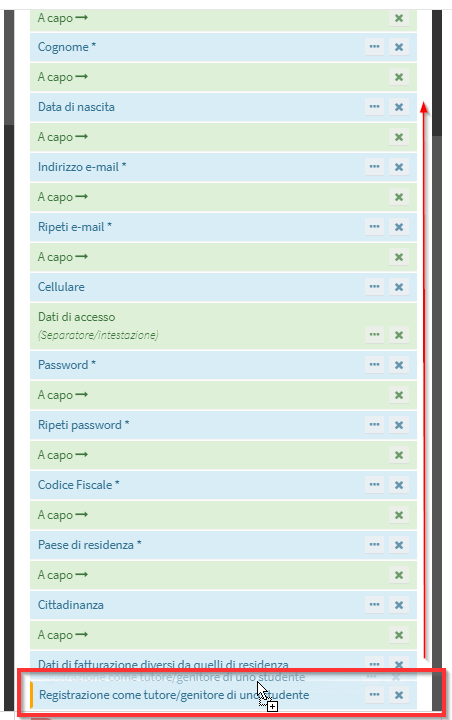
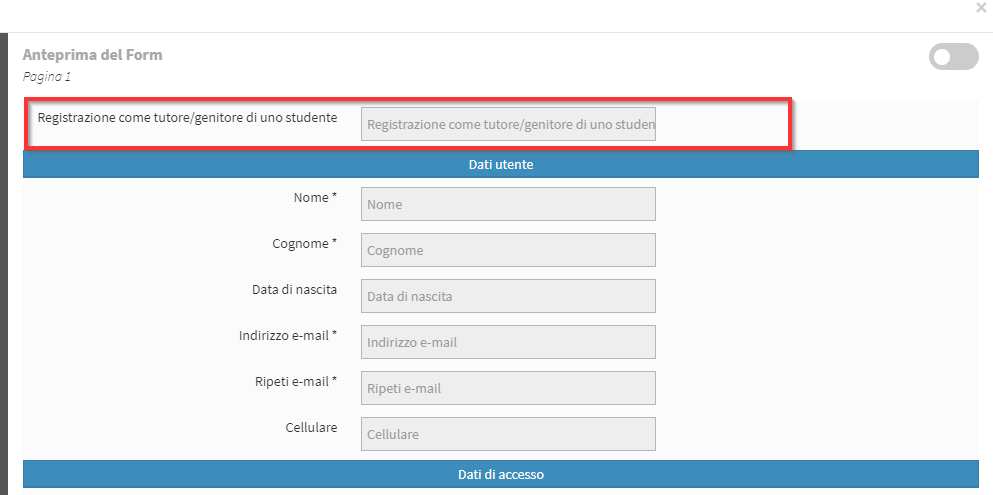
It will also appear in the correct position in the preview:
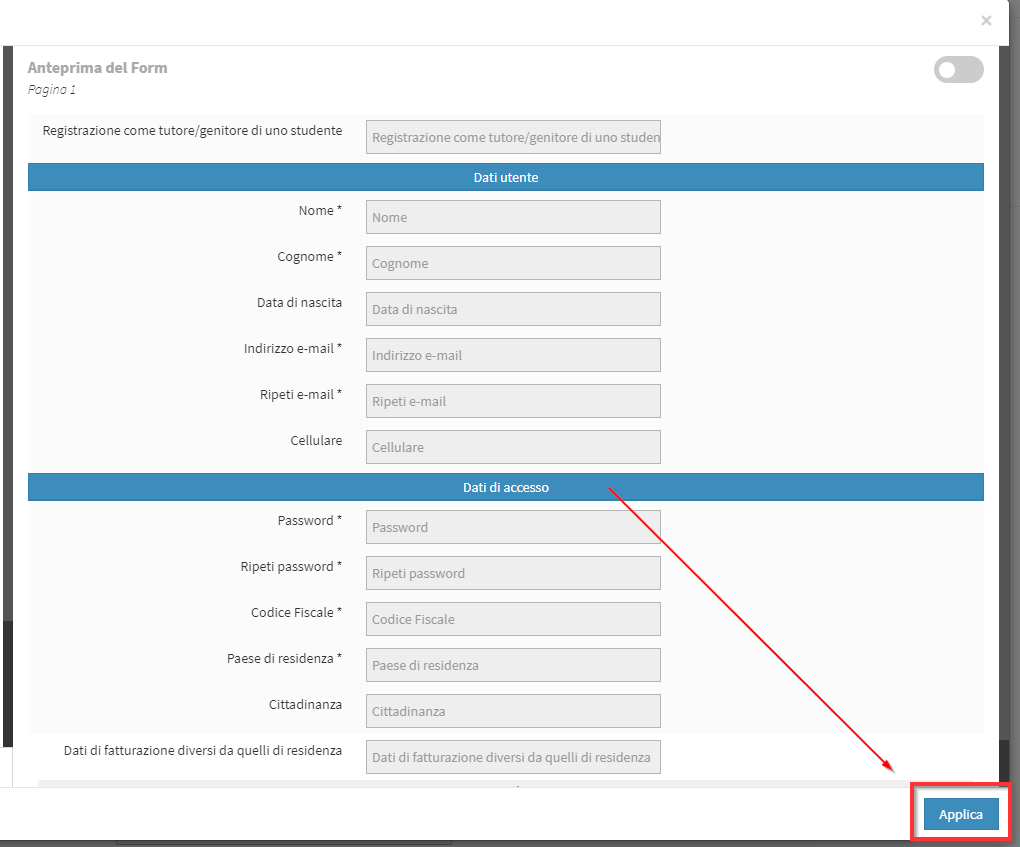
Click the button "Apply" in the lower right corner to save the changes:
Then also save the Online Form configuration with the button at the bottom of the page "Save Form."